Tour
Intervals Video Tour
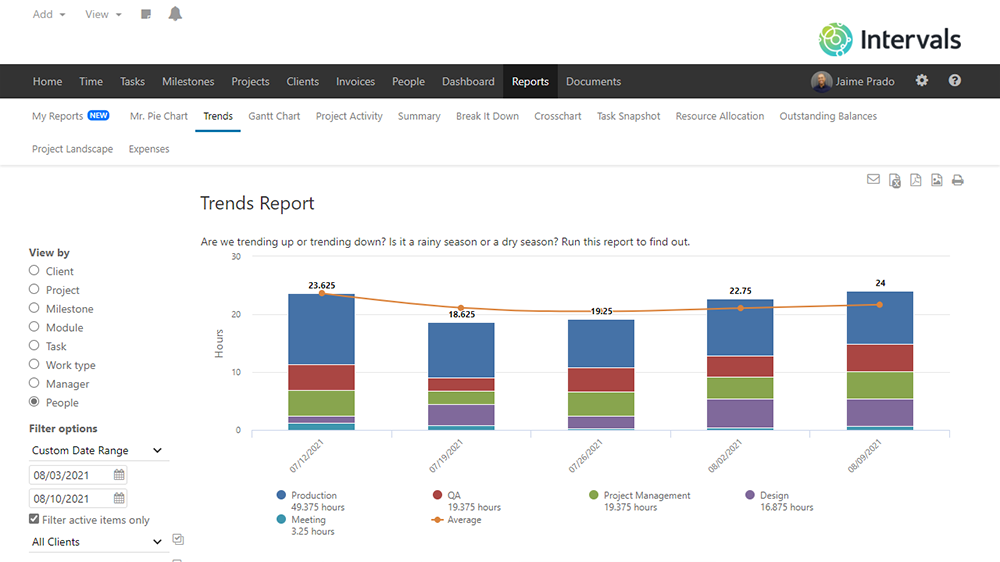
Intervals Two Minute Introduction
Two minute introduction to Intervals project management software.
Watch the video to learn more about managing tasks, tracking time, running reports, and more.
Running Time: 1:48
What is Intervals?
Intervals Two Minute Introduction
Running Time: 1:48
Profitable Agencies Use Intervals
Running Time: 1:40
In-depth Intervals Intro
Running Time: 4:35
Training Demo
Running Time: 39:51Time Tracking
Time Tracking Overview
Running Time: 4:08
Weekly Timesheets & Approvals
Running Time: 7:17
Advanced Tips and Tricks
Running Time: 2:42
Bulk Editing Time
Running Time: 2:14Task Management
Task Management Overview
Running Time: 6:22
Task Views & Kanban Board
Running Time: 2:43
Recurring Tasks
Running Time: 6:03
Using Images Inline
Running Time: 1:52Project Management
Project Management Overview
Running Time: 5:26
Default Work Types
Running Time: 2:39
Gantt Chart
Running Time: 2:10
Project Labels
Running Time: 4:01Calendar
Homepage Calendar
Running Time: 3:46Milestones
Milestones & Multi Task Deliverables
Running Time: 4:07Reports
Reports Overview
Running Time: 7:10
Scheduled Reports
Running Time: 3:29Documents
Documents Overview
Running Time: 3:24Invoicing
Invoices Overview
Running Time: 4:30Clients
Clients Overview
Running Time: 3:47Creating Users
Creating People
Running Time: 05:12User Levels
Executives
Running Time: 05:43
Resources
Running Time: 02:35
Managers
Running Time: 02:26
Administrators
Running Time: 03:54Personalizing Intervals
How to Personalize Intervals
Running Time: 5:08
Default Modules
Running Time: 3:59Miscellaneous Utilities
Save & Schedule Views
Running Time: 4:26
Search & Project Notes
Running Time: 4:12
Export, Email, Print & Email Notifications
Running Time: 2:42
The Request Queue, Hopper & Email Integration
Running Time: 3:58
Using the Basecamp™ Classic Import
Running Time: 3:35