We’ve been busy with updates these last few weeks. Here are some highlights from our most recent Intervals update:
- Export reports to PDF
Now you can save your reports as PDFs. Run a report, or load a saved report, and click on the PDF icon to download it. Next up, we’ll be adding PDF export to other pages, like task and project lists.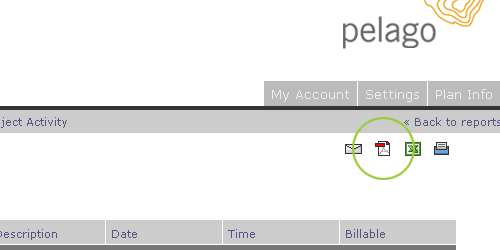
- Graphics now included when using ‘Email this page’ feature.
Include graphical reports — charts & graphs — when you send a page as an email. It is much easier now to share your Intervals data with others using email.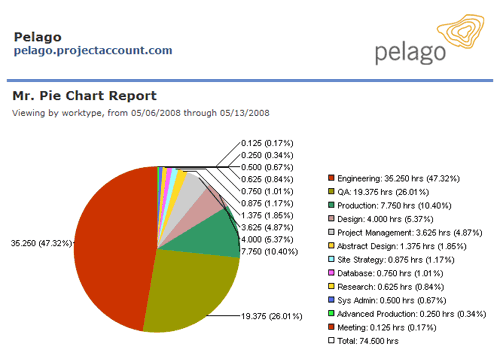
- Markup Expenses
Use the calculator icon when adding expenses to mark them up using flat rates or percentages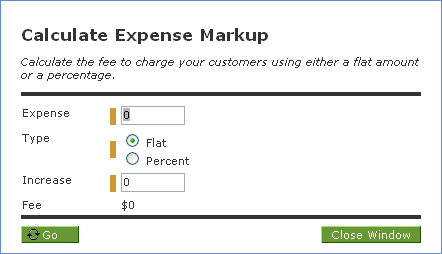
- Move Documents
After a document has been uploaded it can be moved to another project or task. Click on the edit icon to move your uploaded document.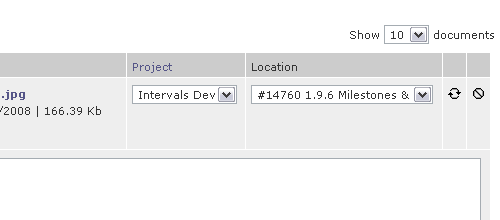
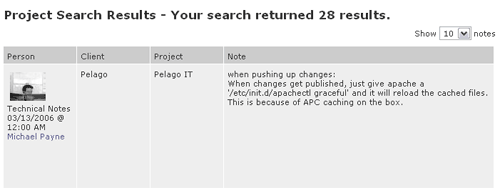
- Improved Project Note Search
When searching for information contained in project notes, the search results include the client and project associated with each note.