
In the spirit of agile development and good customer service, we launched several Intervals updates today. These updates primarily address requests made by you, our customer. Here is a list of new things you will notice when you log into Intervals.
1. Invoice updates
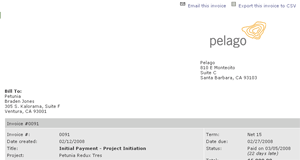
Invoices now have disclaimers (AKA fine print) that can be customized for each invoice. You can also use a separate logo for invoices, so your Intervals branding can be different that your billing. To upload your logo and add the fine print, click on ‘Settings’ and then ‘Default Invoicing.’
2. Additional CSV exports
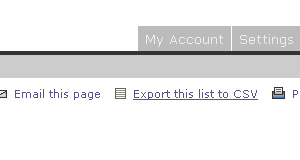
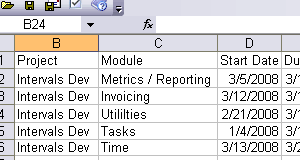
Administrator level users can export filtered lists — tasks, projects, clients, invoices, and people — to CSV. A precursor to our API (in development), CSV exports are ideal for administrators who want to get at their data quickly and mash it up in their favorite spreadsheet program. And now with this update, you can export only the data you want. Look for the ‘Export this list to CSV’ link in the upper right corner of your favorite list pages.
3. Edit task comments
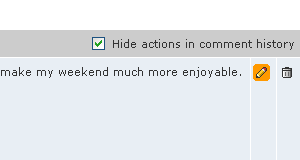
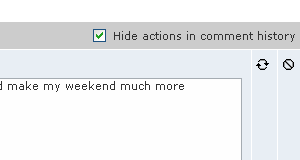
Administrators can edit task comments. When we first built Intervals, our thought was that task histories should be permanent, to preserve accuracy. However, we’ve all made task comments at some time that we wish we could take back. Now you can.




